
Best Email Hosting Providers: Business Email Beyond Your Website Host
Webflow, Shopify and Squarespace no longer hand you a mailbox with your site. Here are the business email hosting providers worth shortlisting, including Google Workspace, Proton, Microsoft, Fastmail and Zoho, with advice on migrating without losing mail.
30 Sep 202614 min read
Also worth a look
Building a business website used to come with a fairly predictable shopping list: a domain name, a hosting package and a few email accounts.
If you used traditional hosting managed through cPanel or Plesk, creating an address such as hello@yourbusiness.com was often part of the package. Your website and your inbox lived under the same roof, on the same invoice.
Website builders and hosted platforms changed that arrangement. You can launch a site today without ever touching a conventional hosting account, but you still need somewhere for your business email to live.
Webflow, for example, doesn't provide email hosting. Shopify also requires a third-party provider for hosted mailboxes, although it offers email forwarding for domains managed through its platform. Squarespace retired its bundled Google Workspace arrangement for new customers, so email is once again a separate purchase.
Email hosting deserves a decision of its own, and a careful one, because it is the one part of your stack that is genuinely painful to change badly.
Why separate email from website hosting?
The immediate reason may simply be that your website platform doesn't include it. The longer-term reasons are better.
Portability. With a separate email service you can redesign your website, move it to another platform, or fire your developer, and your inboxes never move. Email addresses are the most quietly load-bearing thing a small business owns: they sit on invoices, contracts, bank records, domain registrations and every password reset you have ever configured.
Deliverability. Shared web hosting puts your outbound mail on an IP address you share with strangers. If one of those strangers gets compromised and starts sending spam, your quotes and invoices can land in junk folders through no fault of your own. Dedicated email providers manage sending reputation as their core product, not as a side effect.
Fit. Buying email separately lets you choose around how your business actually works. Some teams need shared calendars, shared drives and video meetings. Some need genuine confidentiality. Some just want a fast, quiet mailbox that syncs properly on a phone.
None of this means email from a traditional web host is automatically poor. cPanel and Plesk are control panels; the quality depends entirely on the hosting company behind them, and a good one solves the shared-reputation problem with dedicated outbound filtering. We cover that option properly further down.
How standalone email hosting actually works
Your domain, your website and your email can all live with different companies. Most people find this easier to picture once the four roles are separated:
| Part of your setup | What it does |
|---|---|
| Domain registrar | Holds the registration of yourbusiness.com and renews it |
| Website platform | Serves your website or online shop |
| Email provider | Runs your actual mailboxes |
| DNS service | Holds the records that point the domain at all of the above |
Your domain's MX records tell the rest of the internet which server should receive mail for your domain. A separate set of records (SPF, DKIM and DMARC) tells receiving services which senders are authorised to send as your domain.
So you can happily run a Webflow site and a completely separate business inbox on the same domain. You do not need to transfer the domain itself to change email providers; you only need to edit records.
Forwarding is not a mailbox
A tempting shortcut is to use the free forwarding your registrar or shop platform offers: mail sent to hello@yourbusiness.com simply lands in your personal Gmail.
It works for receiving. It falls apart for sending. Replying from your personal account exposes the personal address, and configuring Gmail to send as your domain without a real mailbox behind it frequently breaks SPF alignment, which means DMARC failures, and your replies quarantined or rejected by the very customers you are trying to answer.
Forwarding is fine for a catch-all or an address you never reply from. Anything you conduct business on needs a real mailbox.
The providers worth shortlisting
The right starting point is a single question: do you want a productivity suite that happens to include email, do you want a dedicated email service, or do you want email bundled with the hosting you already pay for?
| Provider | Our pick for | Main consideration |
|---|---|---|
| Google Workspace | Teams already living in Gmail, Docs and Meet | You are buying a suite, not a mailbox |
| Microsoft 365 / Exchange Online | Businesses built around Outlook | Standalone Exchange and full 365 are different purchases |
| Proton Mail | Privacy, confidentiality and regulated work | Desktop mail apps need Proton Mail Bridge |
| Fastmail | People who mainly want a very good mailbox | Check app access limits on the entry plan |
| Zoho Mail | Cost-conscious teams wanting mail-only plans | The free plan is heavily restricted |
| ChemiCloud | Website and email together, with real support | Tie your email to your hosting renewal |
| Migadu | Several domains, many addresses, modest volume | Limits apply across the whole account |
| Titan / Hostinger business email | Cheapest credible route to a professional address | Entry storage is small |
| MXroute | Technical users wanting a flat annual fee | Self-service; no hand-holding |
 Google Workspace, for teams already comfortable in Gmail
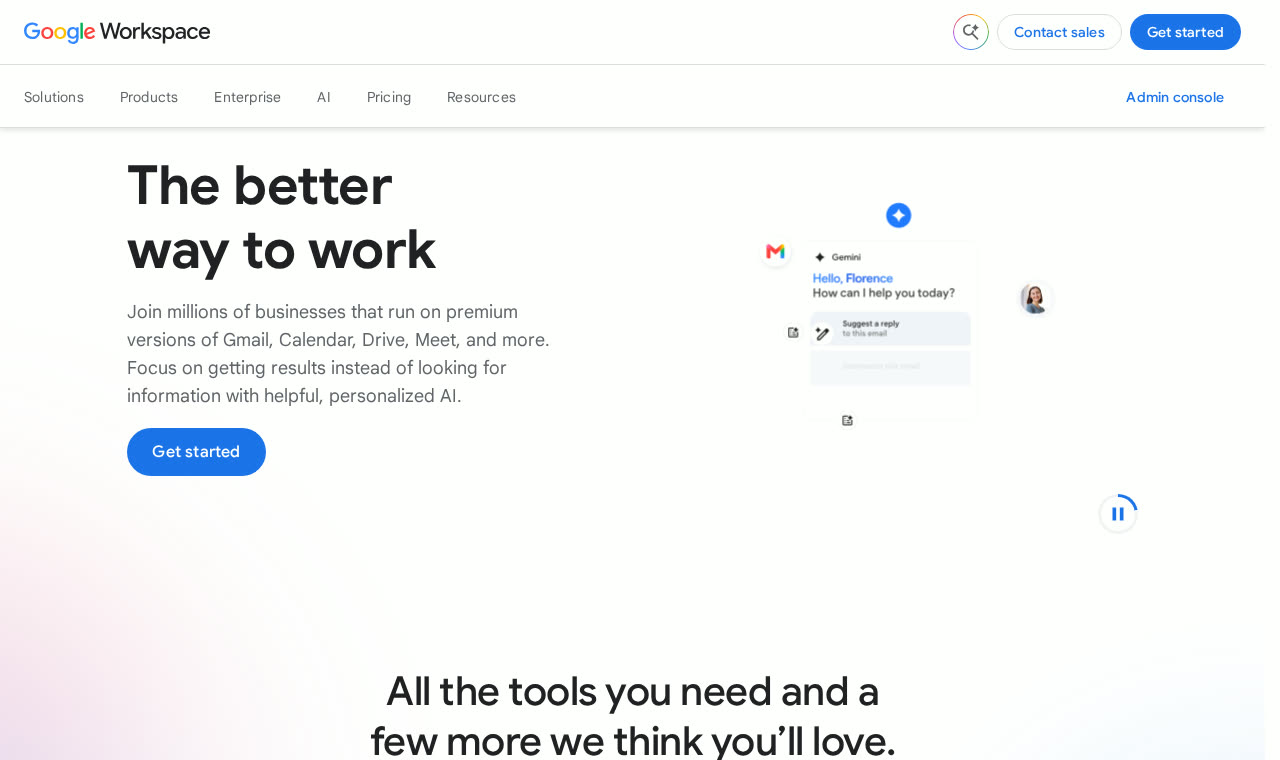
Google Workspace pairs email on your own domain with Calendar, Drive, Docs, Sheets and Meet, plus central admin controls, shared drives and mobile device management.
Its appeal is straightforward: if your team already works in Google's apps, business email simply becomes part of the same environment. Admin is centralised, onboarding a new starter is a two-minute job, and nothing needs stitching together.
The trade-off is that you are buying considerably more than a mailbox. That is excellent value when you use the included tools, and poor value when you already pay for equivalent software elsewhere. Storage, meeting length, Gemini features and security controls all vary by plan, so read the tier table rather than the headline price.
Our take: the default answer for most small businesses that want professional email plus shared documents, storage and meetings in one subscription.
We cover it in depth in our Google Workspace review, and as an authorised Google Workspace affiliate we can issue a genuine discount code on new Business Starter, Standard and Plus subscriptions, see the current Google Workspace offer. Slick Media members can save for longer still.
 Microsoft Exchange Online, business email without buying the whole suite

Microsoft offers two routes that are frequently confused.
Exchange Online is hosted business email and calendaring sold as a standalone subscription. Microsoft 365 Business plans bundle that mail service with Word, Excel, PowerPoint, Teams and more.
The distinction matters if you already own the software you need, or genuinely only want mailboxes. You do not automatically need a full Microsoft 365 package to get Exchange mail on your domain.
Read the plan detail carefully: standalone Exchange Online does not include the desktop Office apps, and application entitlements differ noticeably across the Microsoft 365 tiers.
Our take: near the top of the list if Outlook, Teams and Microsoft's admin tooling are already central to how you work. Compare the Microsoft 365 business plans.
 Proton Mail, for businesses where privacy is a requirement, not a preference
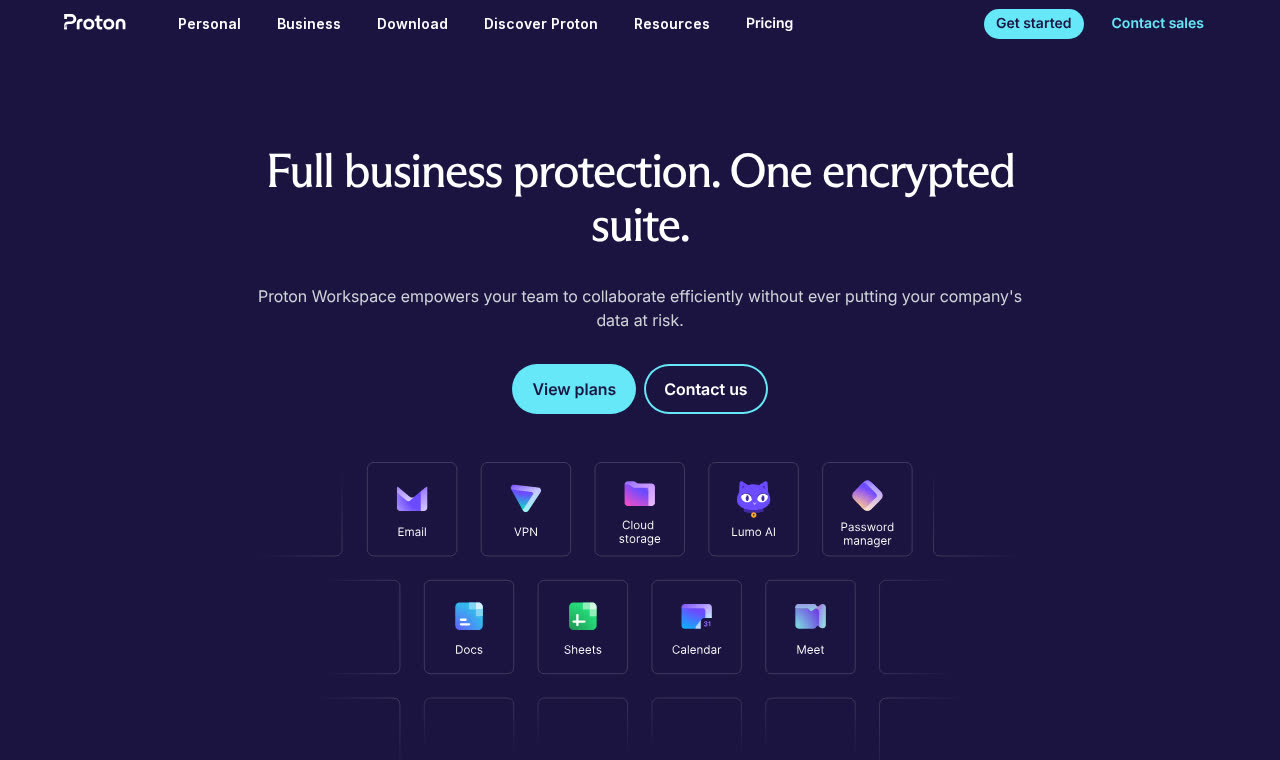
Proton deserves a serious look whenever confidentiality is a real buying factor: legal, healthcare, finance, journalism, HR, or any business handling sensitive client data.
Mailboxes use zero-access encryption, meaning Proton itself cannot read stored messages. Mail between Proton users is end-to-end encrypted automatically. Messages to external providers are not automatically end-to-end encrypted, protecting those requires password-protected messages or PGP, but the storage model and Swiss jurisdiction are meaningfully different from mainstream providers.
Proton Business plans add custom domains, multiple addresses per user, catch-all, admin controls and the wider suite: Drive, Calendar, Docs, Pass for shared credentials and VPN. That combination often replaces two or three separate subscriptions.
One practical caveat for anyone attached to desktop mail software: Outlook, Apple Mail and Thunderbird connect through Proton Mail Bridge, a small local application available on paid plans. It works well, but it is an extra step to plan for when you roll out to a team.
Our take: the strongest choice when privacy shapes your obligations, and increasingly competitive on features rather than just principles.
See our Proton hub for the full product range, plus current savings on Proton business plans and on Proton Mail Plus and Proton Unlimited for individuals.
 Fastmail, for people who mainly want a very good mailbox
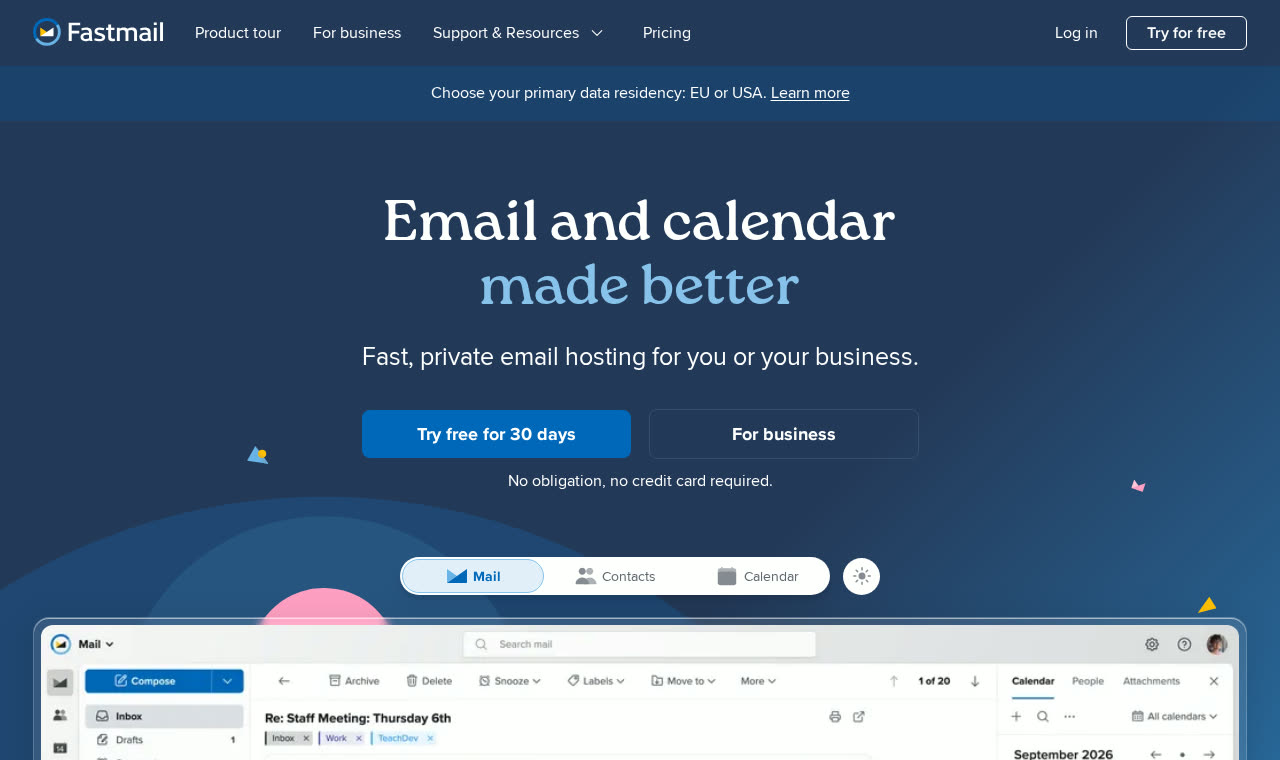
Fastmail concentrates on email, calendars and contacts, and it does them unusually well. Fast search, excellent rules and filtering, masked-address support, and a web interface that people who live in their inbox tend to genuinely like.
Business plans include custom-domain addresses, admin controls and standard protocol access, which makes it a strong candidate for freelancers and small teams who do not need another office suite bolted on.
Check the exact plan before subscribing: Fastmail restricts third-party mail app access on its entry-level Basic plan, so if you intend to use Apple Mail or Outlook you need the tier above.
Our take: one of the first services to compare when email itself, rather than documents or meetings, is the priority. Visit Fastmail.
 Zoho Mail, for dedicated mail plans at a low price
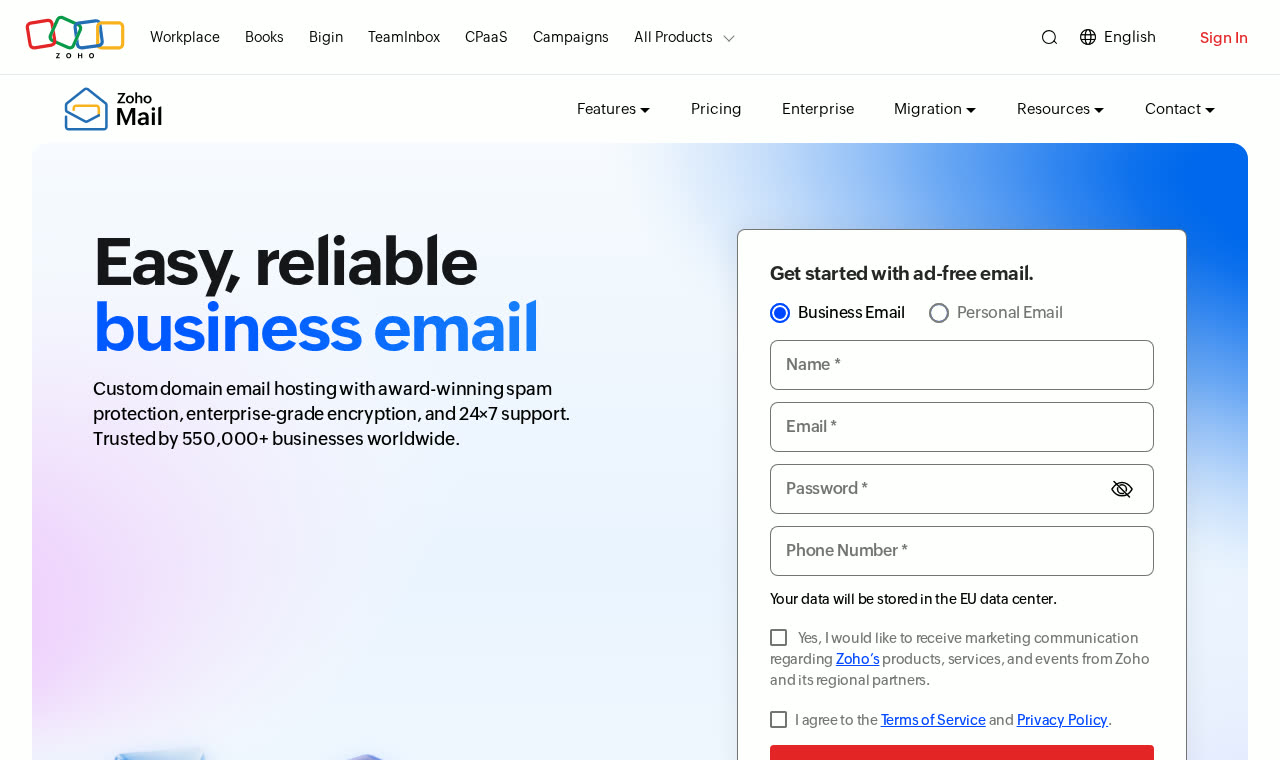
Zoho sells mail-only plans alongside its broader Workplace subscriptions, which gives you a real choice between paying mainly for email and paying for a collaboration suite.
It is consistently one of the cheapest credible ways to run several custom-domain mailboxes, with sensible admin tooling and an ad-free model.
Be cautious with advice built around its free tier. Zoho lists that plan as available only in selected data centres, and it excludes IMAP, POP and ActiveSync, so it will not work with your desktop or default phone mail app at all.
Zoho's wider catalogue is a genuine factor here too: CRM, Books, Desk, Assist and Campaigns all sit on the same account, so a mail subscription can grow into a full back office without adding another vendor.
Our take: a sensible shortlist option when you want custom-domain email, several users and the lowest reasonable running cost.
Read our Zoho review for the full product range, or go straight to Zoho Mail.
Traditional hosting: when email and website together still makes sense
Decoupling is the right default, but it is not a universal law. If you run a WordPress site, want one supplier, one invoice and one support desk, a good cPanel host remains a perfectly credible way to run business email, provided the host takes outbound mail seriously.
That last point is the whole argument. The reason shared hosting earned a poor email reputation is shared outbound IP addresses. Hosts that route outbound mail through a dedicated filtering service largely remove that risk, and the better ones now do.
 ChemiCloud, the traditional host we would actually use for mail
ChemiCloud bundles unlimited custom-domain mailboxes with its shared and managed WordPress plans, administered through standard cPanel with Roundcube webmail, plus IMAP, POP3 and SMTP for any mail app you prefer.
Two things separate it from the budget-host stereotype. Outbound mail is filtered rather than dumped onto a shared IP, which protects deliverability. And support is genuinely responsive, which matters more than any feature list the first time an MX record goes wrong.
The honest caveat is the one we opened with: your email now renews with your hosting. If you later move the website, you have to move the mailboxes too, or keep paying for hosting you no longer use.
Our take: the sensible choice if you want one supplier for site and email, and the best of the traditional options for a small business on WordPress. Visit ChemiCloud.
The same reasoning applies to Hostinger, A2 Hosting, SiteGround and similar cPanel hosts. Before you commit, check three things: whether outbound mail is filtered, how many mailboxes and how much storage each plan actually includes, and how easy it is to export everything over IMAP if you leave.
 Migadu, for multiple domains and lightly used mailboxes
Migadu prices differently to almost everyone else. You buy an account, not seats, and usage is measured across every domain and mailbox inside it.
That is genuinely attractive if you run several small brands, side projects or client domains and need separate inboxes without heavy combined traffic.
The important qualification is that unlimited mailboxes does not mean unlimited usage. Storage and daily sending and receiving allowances apply across the whole account, and the entry tier's sending cap is low. Add up your real combined requirement first.
Our take: an excellent alternative when the number of addresses is high but total volume is modest. Visit Migadu.
 Titan, Hostinger and registrar-bundled email
At the budget end, providers such as Titan, resold by Hostinger, Namecheap and several registrars, offer a professional address with webmail, mobile apps, custom DKIM and two-factor authentication for very little per month.
These plans are a reasonable first step for a sole trader who needs one credible address rather than a collaboration platform. Watch the small storage allowances, the gap between introductory and renewal pricing, and how easy it is to export your mail later.
Our take: fine as a starting point, but assume you will outgrow it if the business grows. Visit Titan.
 MXroute, for technical users who want a flat fee
MXroute sells unlimited domains and mailboxes on a flat annual price, with straightforward IMAP and SMTP access and no seat counting.
There is no polished admin suite and no hand-holding, which is precisely the point for the audience it serves. If you are comfortable in a control panel and DNS zone, it is one of the best value-per-pound options available.
Our take: great for developers and agencies; not the right answer for a non-technical team. Visit MXroute.
What to check before you choose
A headline monthly price tells you very little. Compare the full annual cost for your actual number of users, including renewal rates, minimum terms, VAT and any paid migration assistance.
Then work through the practical detail:
- Mailboxes versus aliases. An alias is another address delivering into an existing mailbox. It is not a separate inbox with its own login, and most providers charge only for the latter. Getting this right often halves the bill.
- Shared and delegated access. If several people answer enquiries@, check for proper shared mailboxes or delegation rather than sharing one password.
- Protocol and app support. Confirm IMAP, SMTP and, if you need them, ActiveSync, CalDAV and CardDAV, on the specific plan you are buying.
- Storage model. Check whether allowances are per user or pooled across the account, and what happens when a mailbox fills.
- Retention and recovery. Understand how deleted mail is recovered, how long it is kept, and whether you can export an entire mailbox without the provider's help.
- Admin and security. Two-factor authentication should be enforceable across the account, not merely optional per user.
- Exit route. The best time to establish how you would leave is before you arrive.
Migrating without losing mail
Changing provider is routine when it is sequenced properly, and miserable when it is not. Work in this order:
- Lower the TTL on the MX records 24 to 48 hours before the switch, so the change propagates quickly when you make it.
- Create the new mailboxes first and document every alias, forwarding rule, distribution list and shared mailbox you need to recreate.
- Run an initial mail copy using the provider's IMAP migration tool while the old service is still live and receiving.
- Switch the MX records, then publish SPF, DKIM and DMARC for the new provider. Remember every other authorised sender, newsletter platform, CRM, invoicing tool, website contact form.
- Run a delta sync to pick up anything that arrived at the old service during the cutover.
- Test properly: send and receive in both directions, to and from a Gmail and an Outlook address, and check the message headers show SPF and DKIM passing.
- Keep the old service alive for a couple of weeks. Changing MX records redirects new mail; it does not copy your history.
Contacts and calendars usually need their own export and import, and shared calendars in particular rarely migrate automatically. Plan for that day separately.
A quick word on SPF, DKIM and DMARC
These three records are what stop other people sending mail pretending to be you, and what stop your genuine mail being treated as suspicious.
- SPF lists the services allowed to send on behalf of your domain. You may only have one SPF record, additional senders go inside it, not alongside it.
- DKIM cryptographically signs your outgoing mail so recipients can verify it was not altered and really came from your domain.
- DMARC tells receiving servers what to do when a message fails those checks, and sends you reports. Start at
p=noneto observe, then tighten to quarantine and reject once your legitimate senders all pass.
Every provider on this list documents its own values. The mistake to avoid is publishing them for the new provider and forgetting the marketing platform, the invoicing tool and the website form that also send in your name.
Our guide to what DMARC is and why it matters walks through the policy stages in more detail.
So which should you choose?
Start with the tools your business already uses, not with a price comparison.
If your team works in Gmail and Google Docs, Google Workspace is the natural answer and the discount makes it an easy one. If you live in Outlook and Teams, look at Exchange Online or the appropriate Microsoft 365 plan.
If confidentiality genuinely matters, and for a growing number of businesses it now does, Proton is the one to shortlist, with the caveat about Bridge for desktop apps.
If you mainly want an excellent mailbox and nothing else, compare Fastmail and Zoho Mail. If you want your website and email with one supplier and one support desk, ChemiCloud is the traditional option we would pick. If you are juggling several domains on modest volume, look at Migadu or MXroute. And if you need one professional address today for as little as possible, a Titan-based plan will do the job while you grow.
Your website platform may be what forced the decision. The better long-term choice is an email service that suits how your business works, and that can stay exactly where it is through your next three website rebuilds.
 Google Workspace · Member offer15% off Google WorkspaceExclusive member codes for Starter, Standard and Plus plans.Get the code