Google Workspace offer codes: 15% off, or save for up to 12 months as a member
Slick Media is an authorised Google Workspace affiliate. Reveal a unique code for 15% off your first three months, or join free to unlock our members offer and save for up to 12 months.
3 Nov 20263 min read
Also worth a look
Google Workspace rarely goes on sale, so the only reliable way to pay less is a code issued through Google's own affiliate programme. Slick Media is an authorised Google Workspace affiliate, and we now have two ways to save: a public code worth 15% off your first three months, and an exclusive members offer that keeps the saving going for up to 12 months.
Both are genuine, unique, single-use Google promotion codes for new customers on Business Starter, Business Standard or Business Plus. Both start with Google's 14-day free trial, and both are issued instantly from our own pool when you reveal them.
The two offers at a glance
- Standard offer: 15% off Starter, Standard or Plus for the first 3 months after your trial.
- Members exclusive: save for up to 12 months on your chosen plan. Full details show once you're signed in to a free Slick Media account.
Which plan should you pick?
- Business Starter: custom email, 30GB per user and Meet for up to 100 people. Good for sole traders and small teams.
- Business Standard: 2TB per user, recorded meetings and more Gemini features. The plan most businesses land on.
- Business Plus: 5TB per user, Vault and advanced security controls for larger or regulated teams.
Codes are plan-specific, so reveal the code for the plan you'll actually sign up to. One code per plan, per member.
How to get your code
- Open the standard offer or, for the longer saving, the members offer.
- Sign in or create a free account. It takes about twenty seconds and stops the pool being scraped by bots.
- Choose Starter, Standard or Plus and hit reveal. Give it a second while the system assigns a unique code to you.
- Your code and the sign-up link appear together. Keep the tab open.
How to apply the code at sign-up
The code goes in during checkout, not afterwards, so do this in one sitting:
- Start your free Google Workspace trial using the link on the offer page.
- Enter your business name, team size and country, then choose the same plan your code was issued for.
- Set up your Gmail address by connecting a domain you own or buying one during sign-up.
- On the payment screen, look for "Have a promotion code?" and paste your code. The discounted price should update before you confirm.
- Confirm. Billing starts after the 14-day trial at the discounted rate.
If a code doesn't apply, it's almost always one of three things: the plan doesn't match the code, the account isn't new, or there's a stray space on the end of the pasted code.
Is Google Workspace worth it?
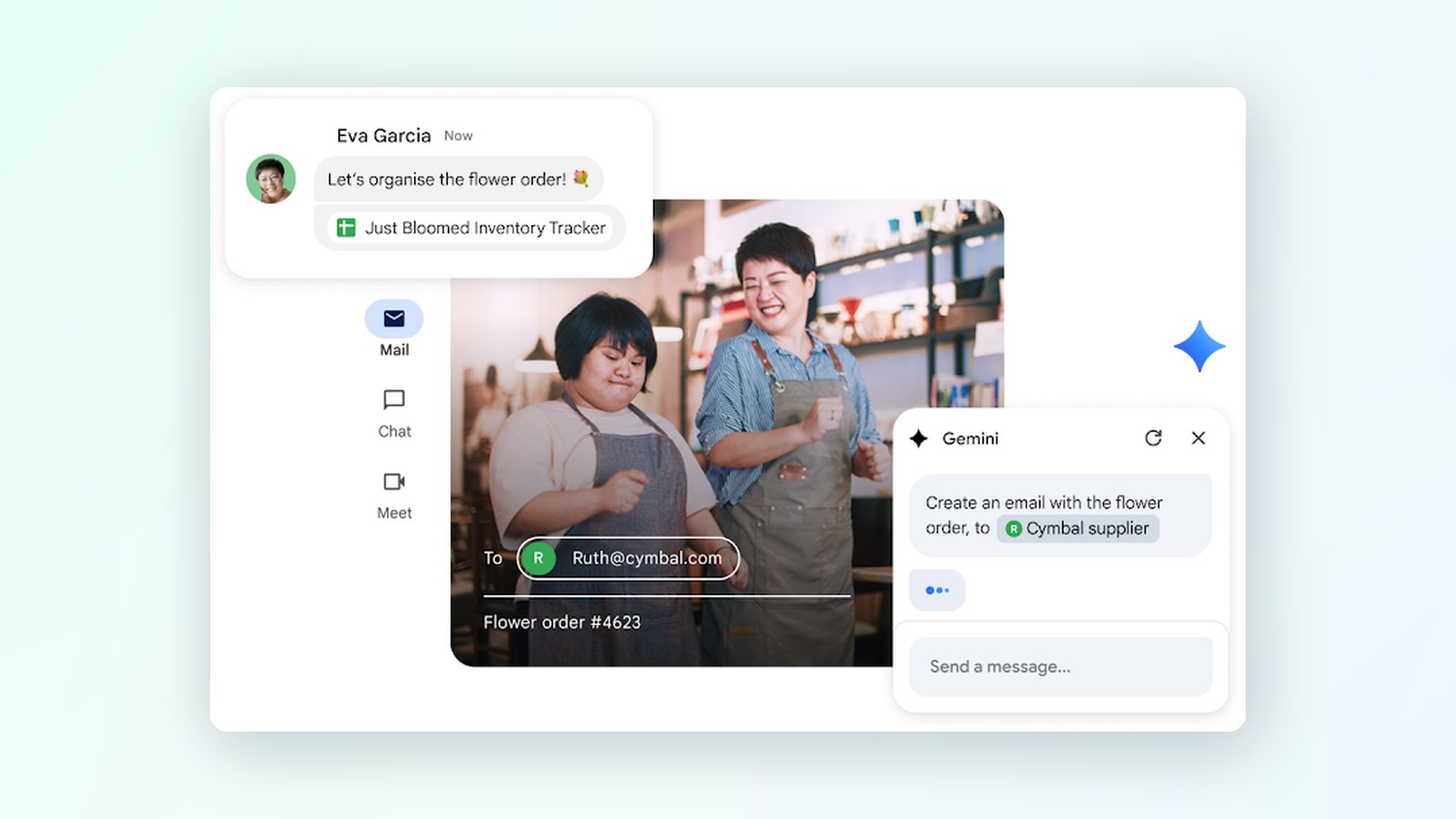
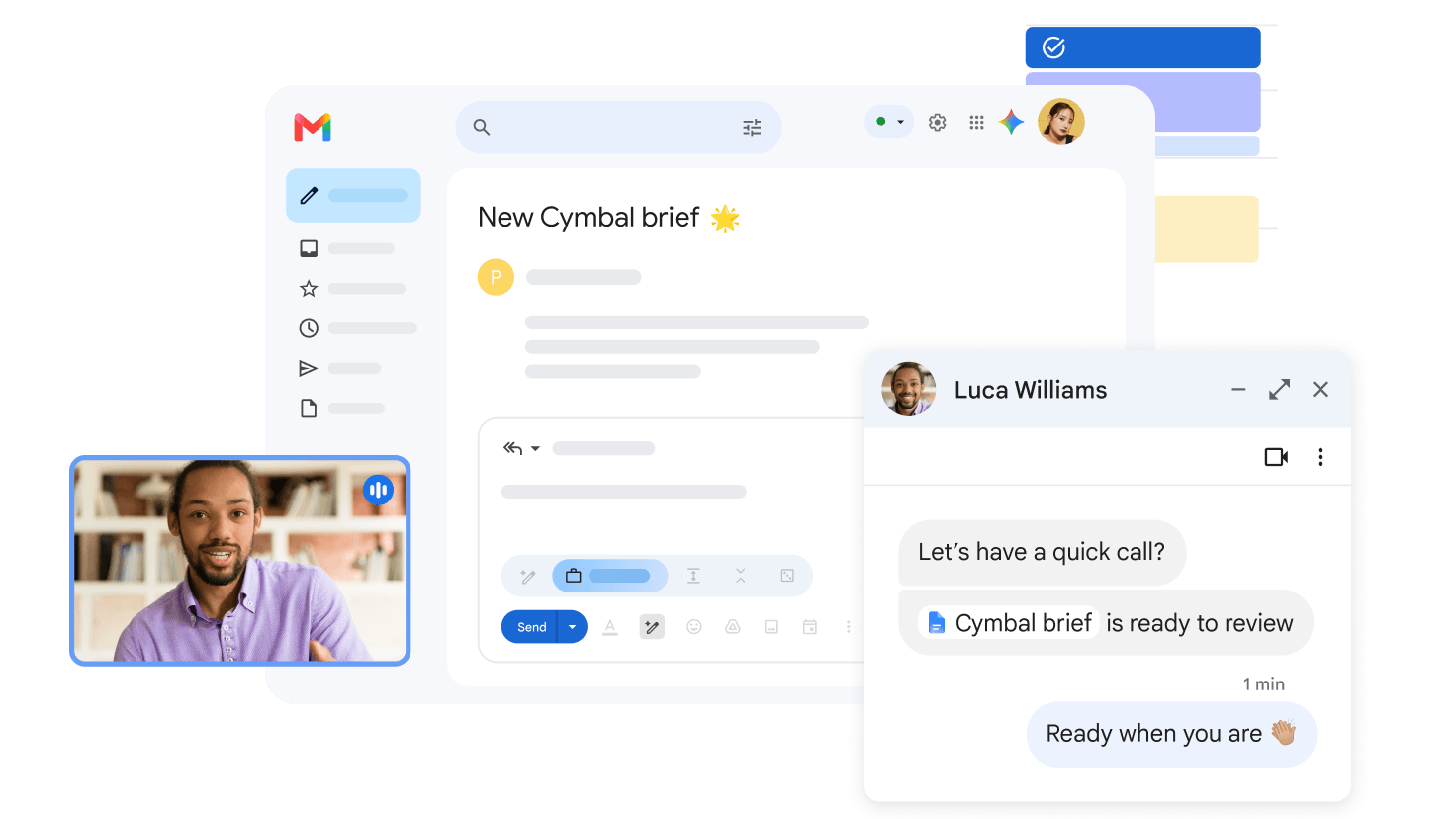
For most small businesses, yes, largely because the alternative is stitching together email, storage, video calls and documents from different suppliers. Workspace covers Gmail on your own domain, Drive, Calendar, Meet, Chat, Docs, Sheets and Slides, plus admin controls for staff. Gemini is bundled into the business plans, so AI help in Docs, Gmail and Meet comes as part of the price. Read our full Google Workspace review for more.
Common questions
What's the difference between the two offers?
Both give 15% off. The standard code covers your first three months; the members offer runs for up to 12 months. Membership is free.
Can I combine the two?
No. Use one code per plan, and codes can't be combined with other Google promotions.
Do the codes expire?
Codes come from a live pool tied to Google's current promotion, so use yours reasonably promptly. The promotion terms set the deadline.
Can I use a code on an existing account?
No. Google restricts these to new Workspace customers.
Why do I need an account to see the code?
The codes are single-use and finite. Gating them means real users get working codes rather than ones burnt through by bots.
Does it cost me anything extra?
No. You pay less than the list price; we may earn a commission from Google if you subscribe.
A note on independence: Slick Media is an active, authorised Google Workspace affiliate. This isn't a direct endorsement by Google, and codes are provided under the terms of the Google Workspace promotion.
 Google Workspace · Member offer15% off Google WorkspaceExclusive member codes for Starter, Standard and Plus plans.Get the code