
Get 25% off all payments for Rize, the automatic AI time tracker for individuals and teams. Track work across apps and websites, explore focus insights and reports, and apply your Slick Media code when subscribing.

8.7Updated 20 Oct 20262 offers6 integrations
Best for: Freelancers, consultants, agencies and teams who want automatic desktop time tracking, focus insights and clearer billable-time reporting.
- Pricing
- $9.99/month billed annually
- Free trial
- 7-day free trial; no credit card required
- Platforms
- macOS, Windows
- Mobile apps
- Desktop app for macOS and Windows; mobile availability depends on plan.
- AI features
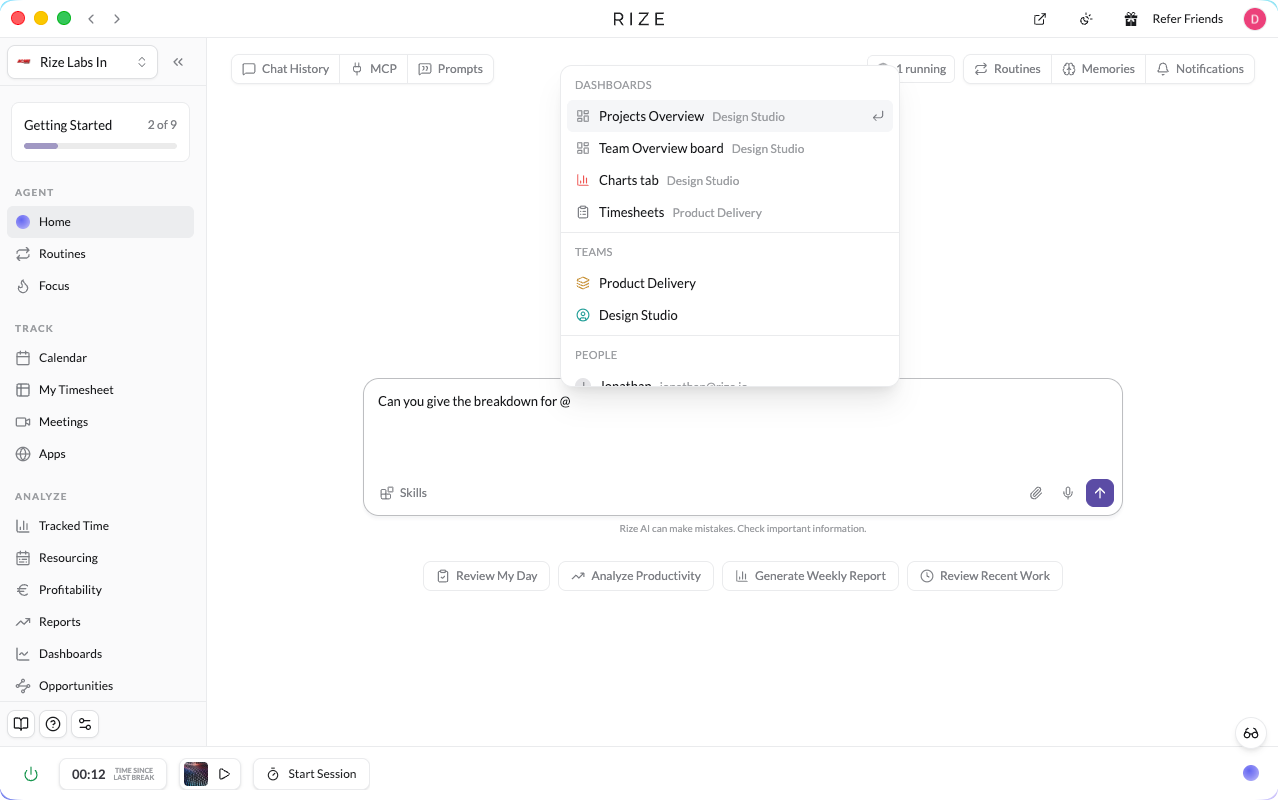
- AI categorisation; AI chat with @ mentions for clients, projects, teams, people and dashboards; dashboard-linked analysis reports (one-off or weekly); Routines for standups and client reports; meeting transcript tagging; MCP access to every dashboard on eligible plans.
- Integrations
- 6+ integrations
- Support
- Email and help centre
- Best for
- Freelancers, consultants, agencies and teams who want automatic desktop time tracking, focus insights and clearer billable-time reporting.
- Brand
- Rize
What is Rize?
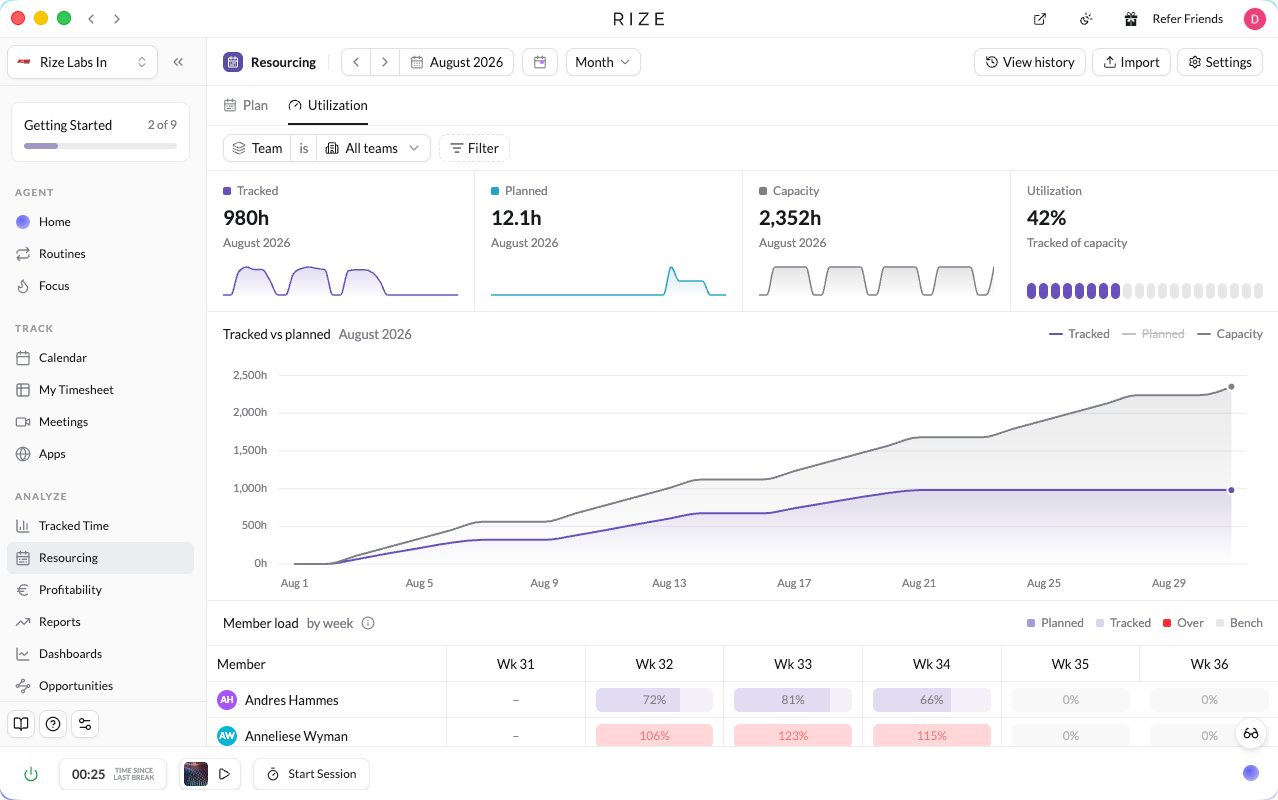
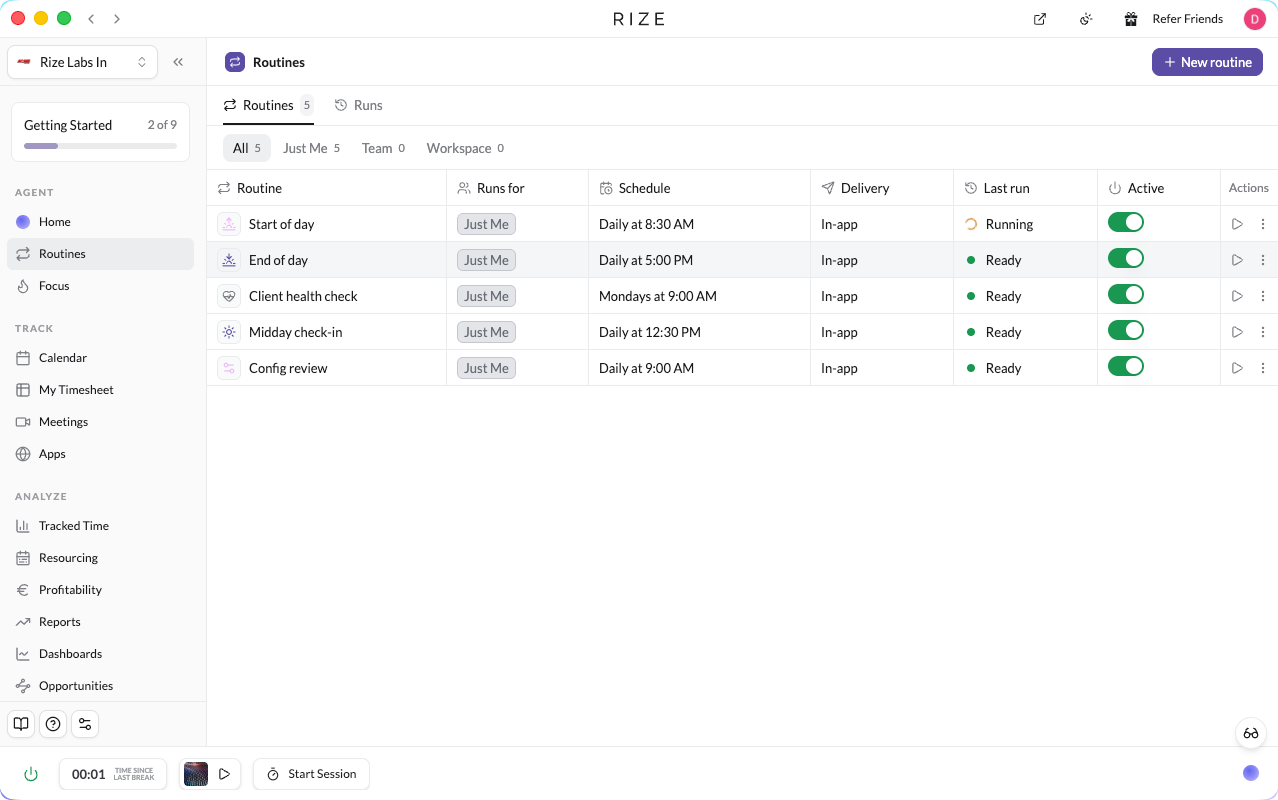
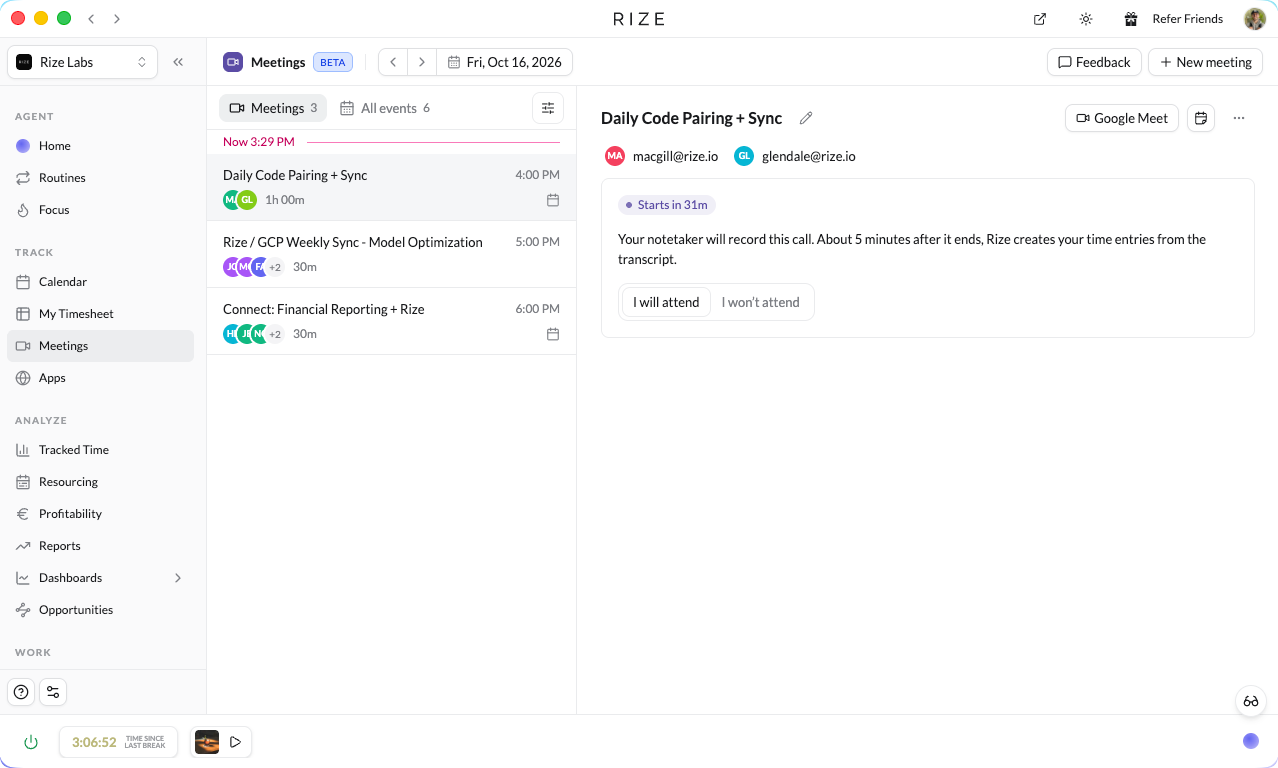
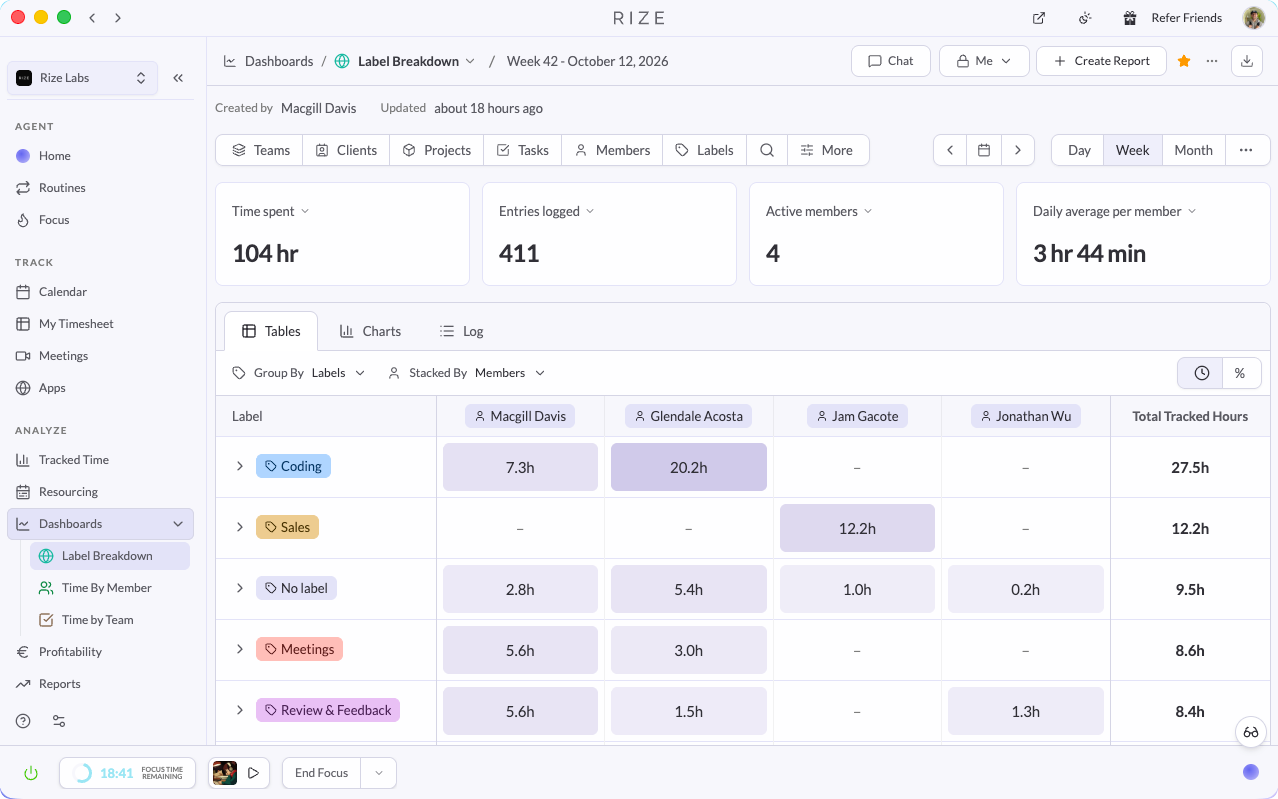
Rize is an automatic time tracker for individuals and teams. Its desktop app captures time spent in apps and websites without starting a timer, and AI sorts that work by client, project and task. In October 2026 Rize rebuilt the whole app: every page now shares one simpler grid layout, Tracked Time works like a ready-made spreadsheet, and views can be saved as dashboards that power AI reports, scheduled Routines and the Rize MCP. Resourcing compares planned against tracked hours (with ClickUp estimates pulled in), meetings bring in transcripts and summaries, and dashboards, reports and Routines can now be opened in any browser. Tracking itself still runs in the desktop app.
The Slick Media verdict
Rize's October 2026 rebuild makes it much easier to use and noticeably more capable: saved dashboards, scheduled AI reports, Routines and resourcing turn tracked time into ongoing client and team insight. It suits freelancers, consultants and agencies best; tracking is still desktop-only and AI allowances depend on plan.
AI summary
Rize uses AI to categorise automatically tracked activity and offers an AI Agent for questions about time, projects and clients, as well as reusable reports, routines and insights. MCP and API access are included on eligible plans.
Why choose Rize
Choose Rize when you want automatic desktop tracking rather than a manual timer, with saved dashboards, scheduled AI reports and team capacity planning that support billable client work.
Key features
Automatic app and website time tracking
AI categorisation by client, project and task
Spreadsheet-style Tracked Time with filters and busy-day shading
Saved dashboards and templates such as Timesheets
Scheduled AI analysis reports with run history
Routines: scheduled AI tasks for you, a team or the workspace
Resourcing: planned vs tracked hours, ClickUp estimates
Meeting tracking with transcripts and summaries
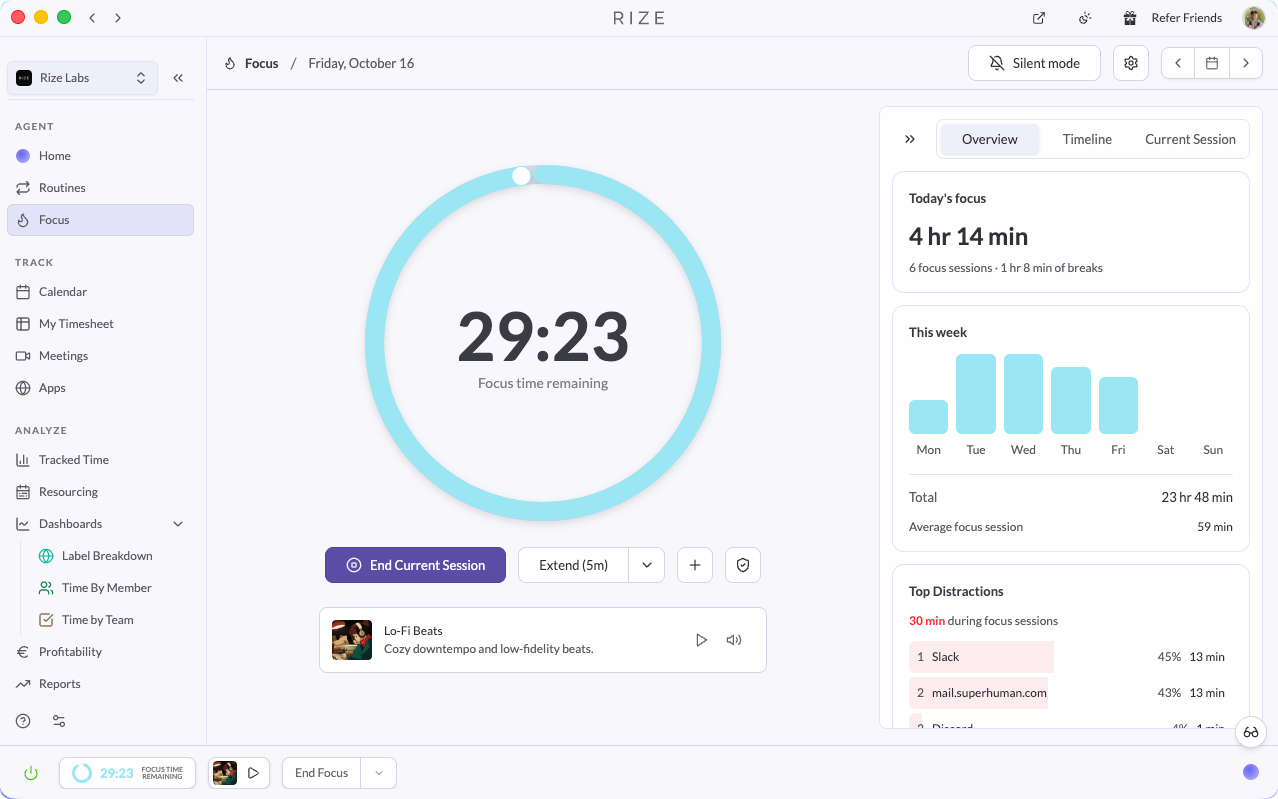
Silent mode and simple distraction blocking
Web app access via Open in browser
@ mentions for clients, projects, people and dashboards in AI chat
Billable time, invoicing and profitability
MCP and API access on eligible plans
Pricing
Individual plans start at $9.99/month for Basic when billed annually ($12.99/month billed monthly). Pro and Max add higher AI credit allowances and advanced workflows; team plans are available per seat. A 7-day free trial is available without a credit card. Prices and included features may change; check Rize at checkout.
Best current saving: 25% off — see the offer
Rize offers & discount codes
Every live Rize deal we have, checked by Slick Media. Sign in to reveal codes.
Current
Evergreen
Discount code
Rize — discount on your first three months
Discount on your first three months
Sign up for Rize, then apply your Slick Media promo code for a discount on your first three months.
Who Rize is for
Freelancers, consultants, agencies and teams who want automatic desktop time tracking, focus insights and clearer billable-time reporting.
- Improving personal productivity
- Understanding time allocation
- Reducing digital distractions
- Building better work habits
- Tracking project time
Pros and cons
Pros
- Tracks work automatically without manually starting timers.
- AI categorisation and reports help make sense of time spent across projects.
- Focus insights and smart breaks support healthier work habits.
- Billable-time, reporting and team tools extend beyond personal tracking.
- Does not rely on screenshots or keystroke logging.
Cons
- Full automatic tracking requires the macOS or Windows desktop app.
- No permanently free tier after the trial.
- Advanced AI workflows and some team features depend on the plan.
Screenshots and video
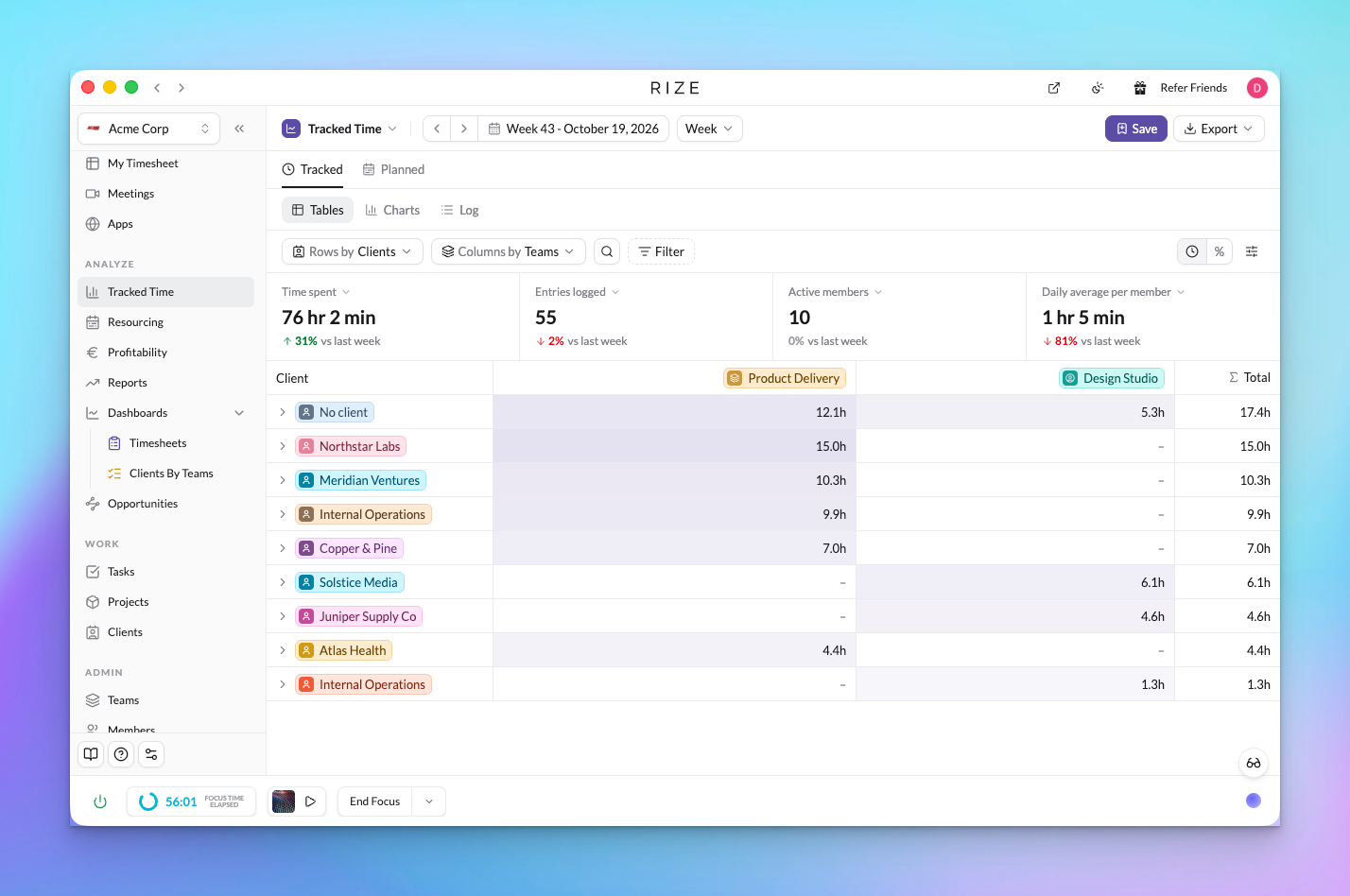
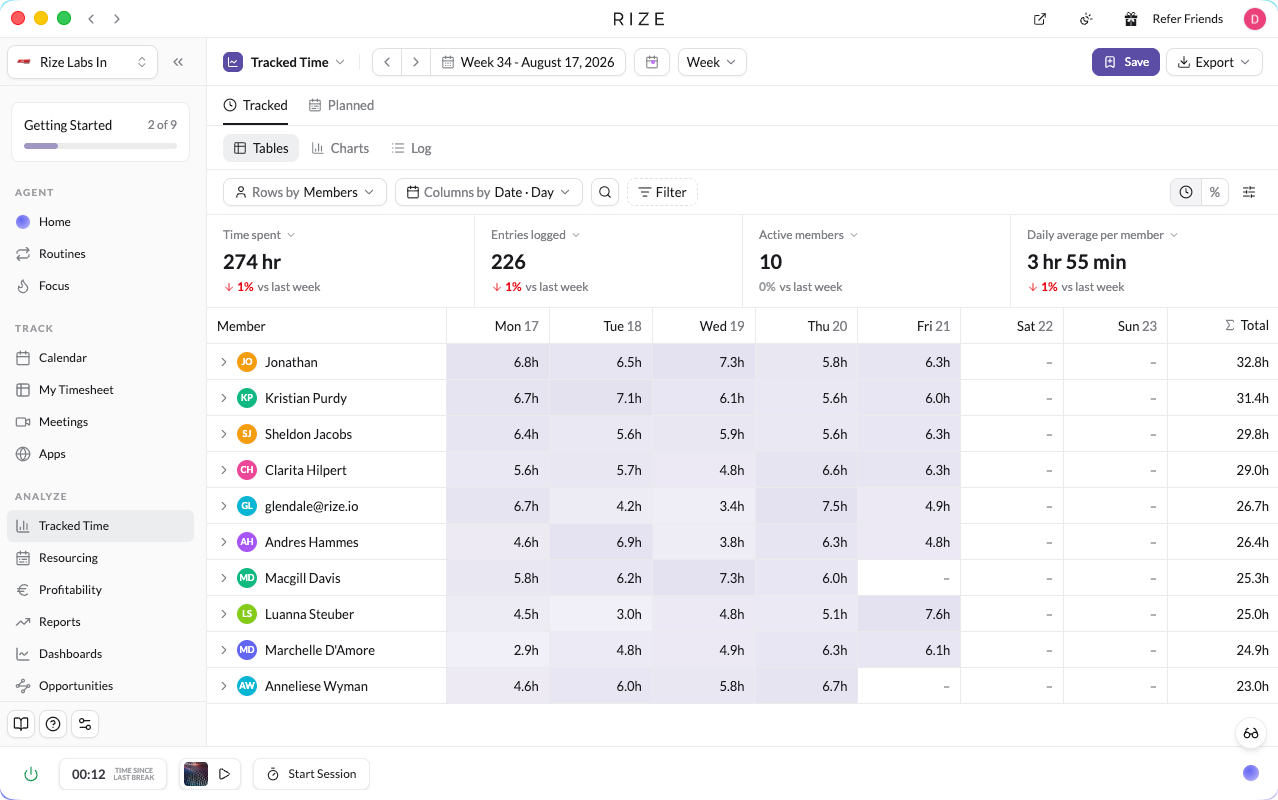
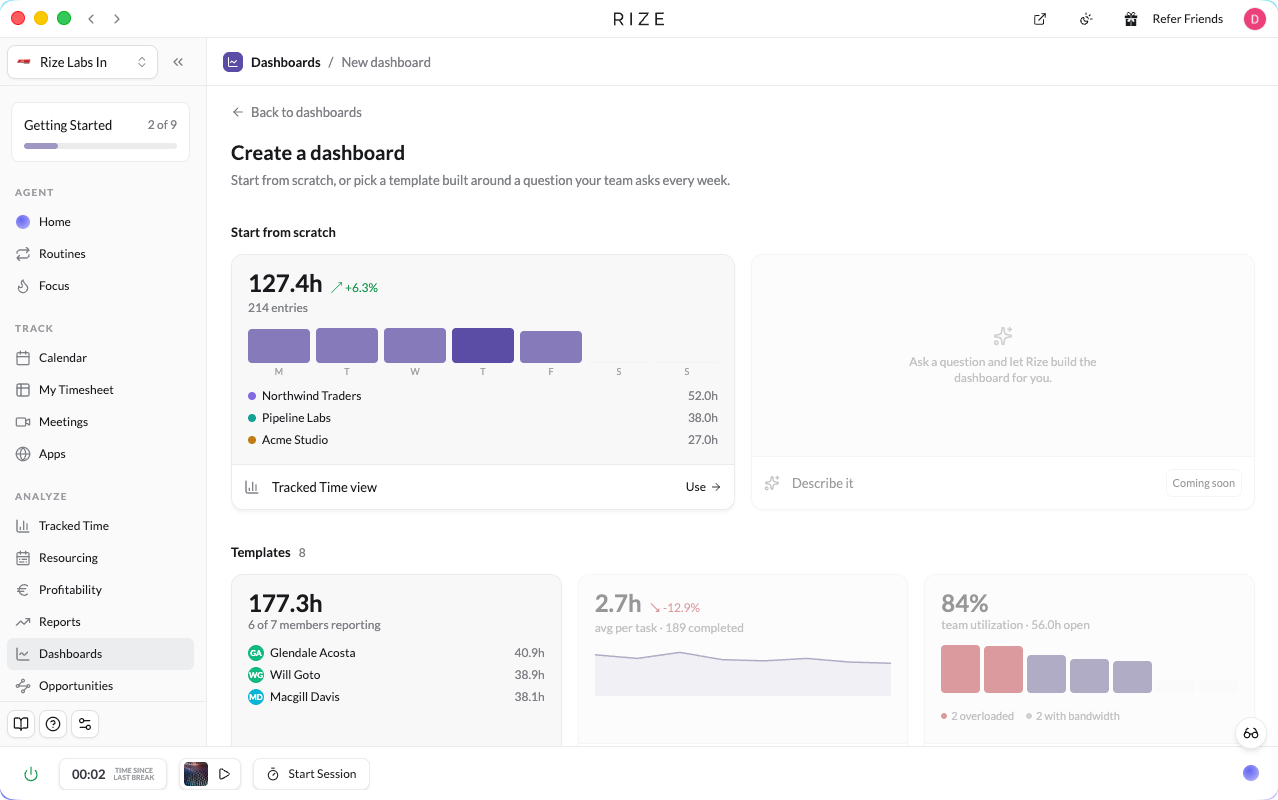
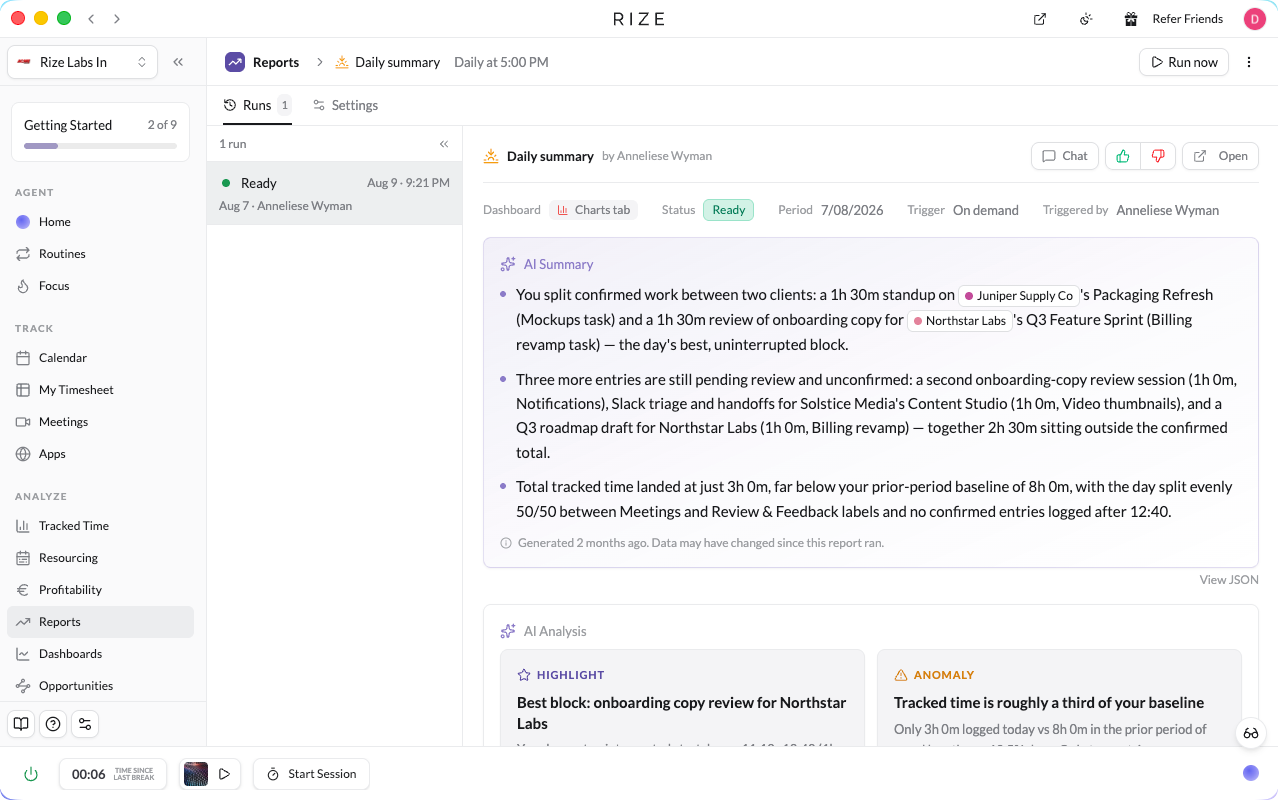
Rize integrations
- Google Calendar
- Outlook
- Linear
- ClickUp
- Asana
- Zapier
Rize alternatives





Ratings and reviews
Features
Value for money
Design & usability
Ratings are set by the Slick Media editorial team. Member reviews are coming soon; save Rize to be notified when they open.
Rize FAQs
How much does Rize cost?
Rize offers individual Basic, Pro and Max plans as well as team plans. Basic starts at $9.99 per month with annual billing or $12.99 billed monthly; higher plans include larger AI credit allowances and more advanced workflows. Check Rize for current prices and plan details.
Is there a free trial for Rize?
Yes. Rize currently offers a 7-day free trial without a credit card, so you can try automatic tracking, categorisation and reports before choosing a paid plan.
Is Rize worth it for improving focus and productivity?
Many users find Rize to be a valuable tool for enhancing focus and productivity, especially those who struggle with digital distractions. Its AI-powered insights and gentle prompts help individuals understand and adjust their work habits over time, leading to tangible improvements.
Are there any Rize alternatives that are specifically popular?
While Rize is globally available, users also consider other popular productivity and time-tracking tools like Clockify for team time tracking or Toggl Track for simpler time logging. However, Rize's AI-driven focus features are quite distinct from these alternatives.
Rize news
20 Oct 2026
Rize October 2026 update: new design and revamped dashboards
Rize rebuilt its app with a simpler layout, spreadsheet-style Tracked Time, saved dashboards, scheduled AI reports, Routines, team resourcing, meeting transcripts, silent mode, a web app and @ mentions in AI chat. Also new: workspace defaults and unlimited labels with auto-apply.
About Rize
Slick Media may earn a commission when you buy through links on this page. It never affects what we write or how we rate a product.